Kitchen Display System
Orders Light Up Instantly
The kitchen screen lights up the moment an order is placed. No paper tickets.

What you can do
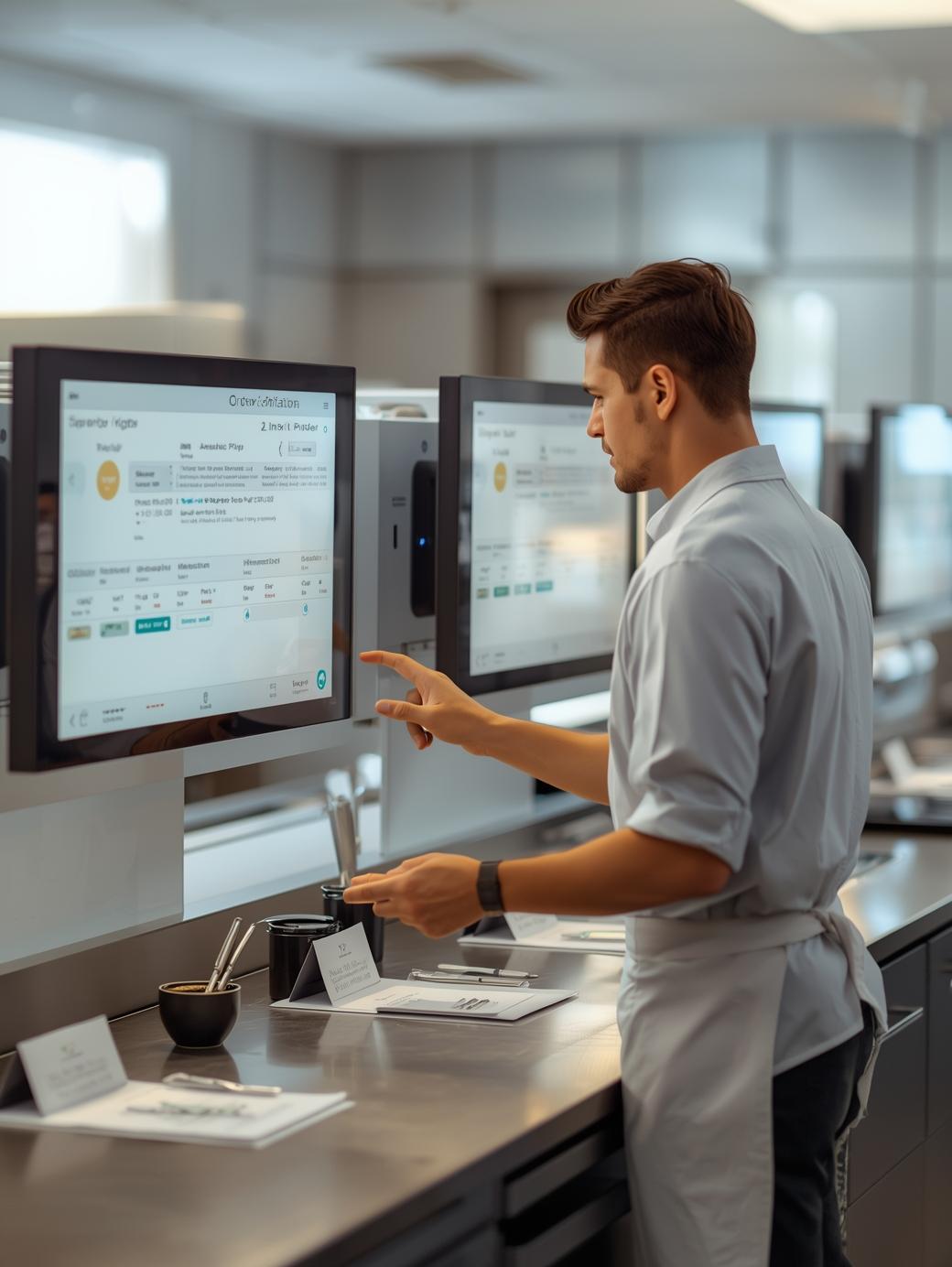
Instant Order Routing
Kitchen displays light up the moment an order lands. Orders are automatically routed to the appropriate kitchen stations based on menu items, with support for multiple stations and clear visual presentation.
- Instant order routing to kitchen stations
- Automatic station assignment by menu item
- Multi-station support with dedicated displays
- Clear visual interface with order details
Key benefits
Orders go to the right station
See what’s cooking and what’s ready
More than one screen if you need it
Know how long each order is taking
Big, clear tickets for the line
Works with POS and waiter phones
FAQ for Kitchen Display System
Quick answers about Kitchen Display System.
Cratis Kitchen Display System (KDS) is a digital display solution that shows orders instantly to kitchen staff. When orders are placed at the POS or through waiter apps, they appear immediately on kitchen displays, routed to the appropriate stations. The system provides real-time order status, timing information, and seamless communication between front-of-house and kitchen operations.
When orders are placed through the POS system or waiter apps, they are instantly routed to kitchen displays based on menu item categories and station configuration. Each kitchen station has a dedicated display showing orders assigned to that station. Kitchen staff can see order details, table numbers, modifications, and update order status as items are prepared. Orders appear in real-time and update automatically across all displays.
KDS is fully integrated with Cratis Restaurant POS. Orders placed at the main POS, through waiter apps, or from online ordering systems automatically appear on kitchen displays instantly. The system syncs in real-time, ensuring kitchen staff always see the latest orders and status updates. No manual entry or separate systems are required.
Kitchen stations can be configured based on your kitchen layout and menu structure. You can create stations for different food categories (appetizers, mains, desserts, beverages, etc.) and assign menu items to specific stations. Orders are automatically routed to the appropriate station based on the items ordered. Stations can be added, modified, or removed as your kitchen operations evolve.
Kitchen Display System works on various display devices including tablets, Android displays, and dedicated kitchen display hardware. The system is designed to work in kitchen environments with large, readable text and clear visual presentation. Displays can be wall-mounted or placed on kitchen counters for optimal visibility.
Kitchen staff can update order status directly on the display using touch controls or buttons. They can mark items as "in preparation", "ready", or "completed". Status updates sync instantly with the POS system and waiter apps, so front-of-house staff know exactly when orders are ready for service.
Kitchen Display System improves kitchen efficiency by eliminating paper tickets, reducing errors, and providing instant order visibility. It enables better communication between front-of-house and kitchen, tracks preparation times, and helps identify bottlenecks. The system reduces order mistakes, speeds up service, and provides valuable analytics for kitchen operations optimization.
Related products
Ready to get started?
Want to see Kitchen Display System in action? We’ll walk you through it.