Online Menu

Scan, Browse, Order—Right from Your Table

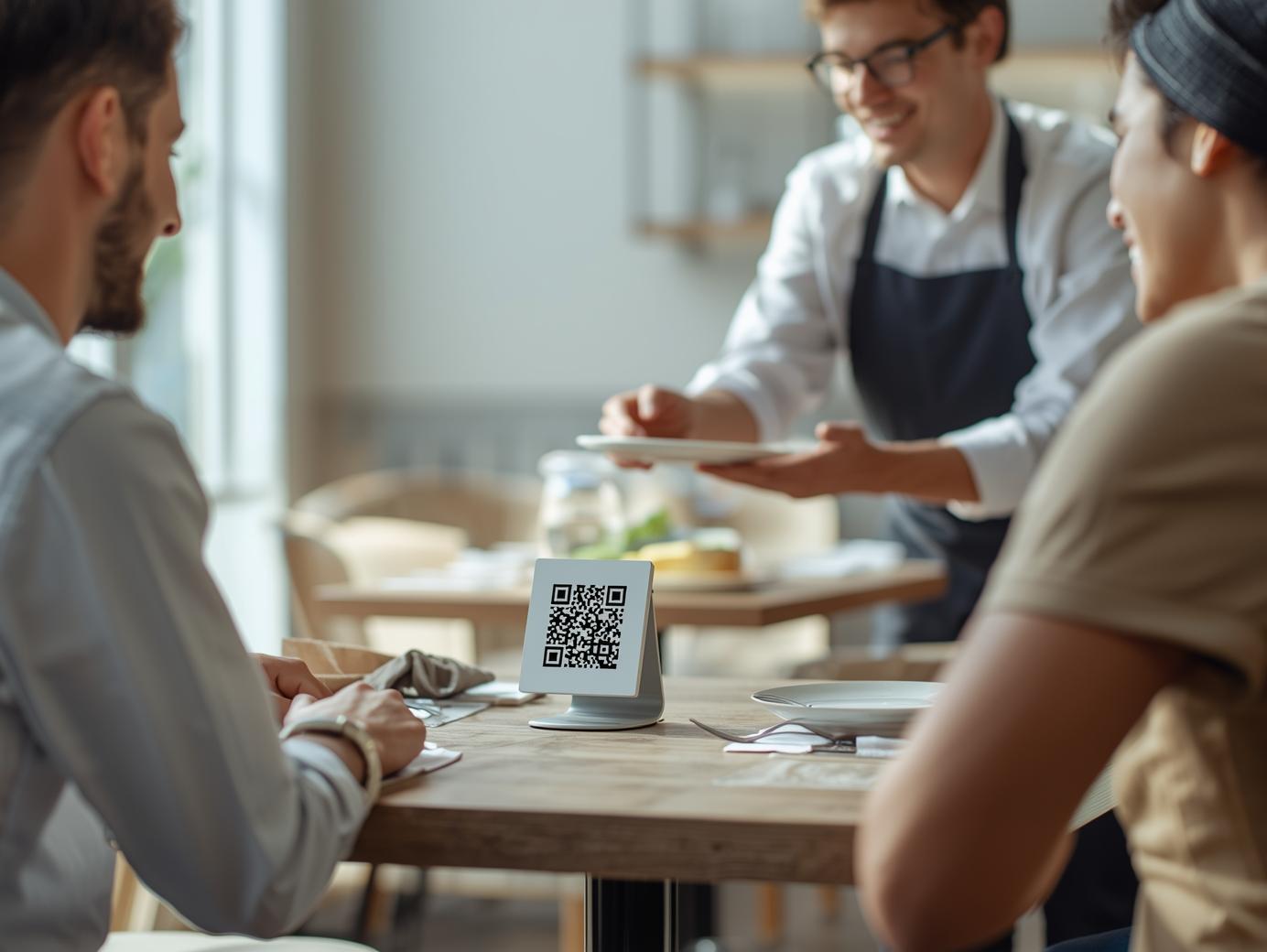
Transform your dining experience with a beautiful digital menu accessible via QR code. Customers scan, browse with book-like page navigation, and order directly from their table—no app download required.

QR Code Scan
Book Navigation
No App Required
Real-time Sync
Online Menu Feature

Capabilities of Online Menu

Tools designed to streamline operations and keep work moving.

QR Code Table Ordering

QR Code Table Ordering

Customers scan a QR code at their table to instantly access your digital menu. No app download required—just scan and start ordering. Each table gets a unique QR code that links directly to your menu website.

  • Instant access via QR code scan
  • No app download required
  • Table-specific ordering
  • Mobile-optimized interface
  • Works on any smartphone
Book-Like Page Navigation

Book-Like Page Navigation

Experience a menu that feels like flipping through a real book. Smooth page transitions, elegant category browsing, and intuitive navigation make exploring your menu a delightful experience. Swipe or tap to turn pages naturally.

  • Realistic page-turning animations
  • Smooth swipe navigation
  • Category-based page organization
  • Visual page indicators
  • Intuitive browsing experience
Order Directly from Table

Order Directly from Table

Customers browse your menu and place orders right from their table. Orders flow directly to your kitchen display system and POS, ensuring fast service without waiting for a server. Perfect for busy restaurants and contactless dining.

  • Direct table-to-kitchen ordering
  • Real-time order synchronization
  • Contactless dining experience
  • Reduced wait times
  • Kitchen display integration

Key capabilities

QR code-powered digital menu access from any smartphone

Beautiful, responsive design optimized for mobile browsing

Book-like page navigation for intuitive menu exploration

Real-time menu updates and availability synchronization

Multi-language menu support for diverse customers

Customizable branding and theming options

Table-side ordering with direct kitchen integration

Customer feedback and review collection

Menu analytics and performance insights

Integration with loyalty programs and customer profiles

FAQ for Online Menu

Quick answers about Online Menu.

Online Menu is a QR code-powered digital menu system that allows customers to browse your menu and place orders directly from their table by scanning a QR code. The menu features a book-like navigation experience with smooth page transitions, making it feel natural and intuitive.

Each table has a unique QR code. Customers scan the QR code with their smartphone camera, which opens your digital menu website. They can browse the menu with book-like page navigation, select items, customize orders, and place them directly. Orders are sent instantly to your kitchen display and POS system.

No, customers don't need to download anything. The QR code opens your menu in their web browser, so it works on any smartphone with a camera. This makes it accessible to everyone and eliminates barriers to ordering.

You can update your menu anytime from your Central Management System. Add new items, change prices, mark items as unavailable, or create special promotions. All changes are reflected instantly on the digital menu across all tables.

Orders placed through the Online Menu are automatically synchronized with your POS system and kitchen display in real-time. There's no manual entry required—orders appear instantly on your systems, and inventory is updated automatically.

Yes, you can fully customize the Online Menu to match your brand. This includes colors, fonts, logos, layout, and the book-like navigation style. You can also organize menu items into categories that appear as separate pages in the book navigation.

Ready to get started?

Want to see Online Menu in action? We’ll walk you through it.